Google Sheets integration
Pull IQM reporting data directly into Google Sheets for easy data analysis and collaboration.
Prerequisites
Before using the IQM Reports Google Sheets integration, you must have:
- An active IQM account with API access
- A Google account with access to Google Sheets
Install the add-on
- Visit the IQM Google Workspace Marketplace Listing
- Click Install to add the IQM add-on to your Google account
- Follow the prompts to authorize the installation
Authorize your IQM account
Step 1: Open the add-on
- Open a Google Spreadsheet
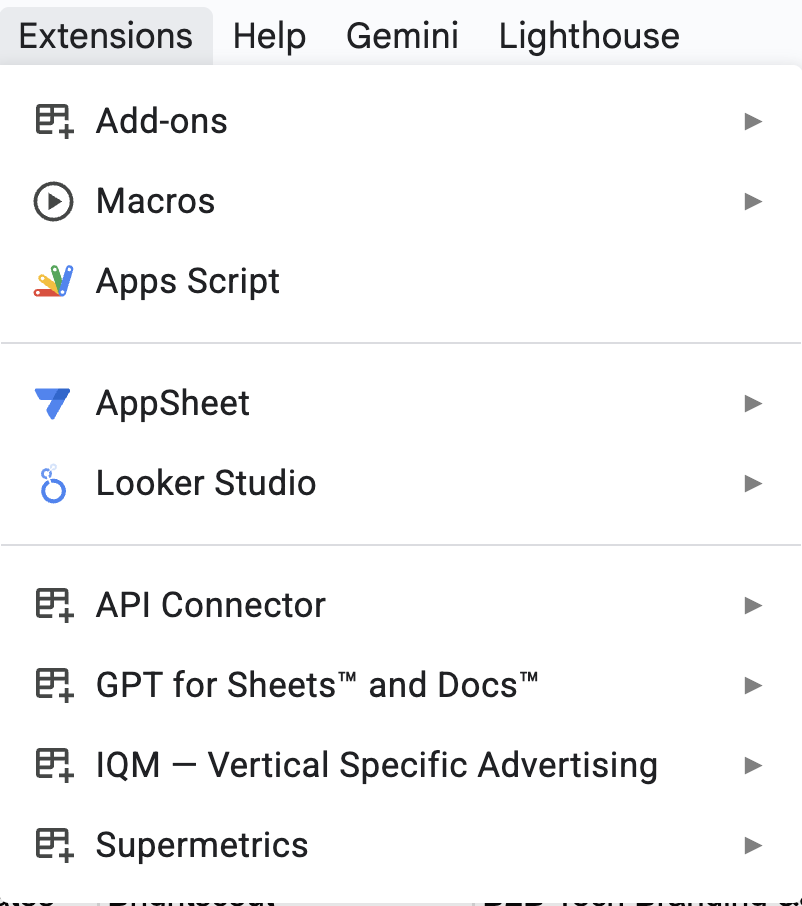
- Navigate to Extensions > IQM — Vertical Specific Advertising > Launch
note
The add-on is located in the Extensions menu at the top of Google Sheets. If you don't see "IQM — Vertical Specific Advertising" listed, make sure you've installed the add-on from the Google Workspace Marketplace.
Step 2: Select your Google account
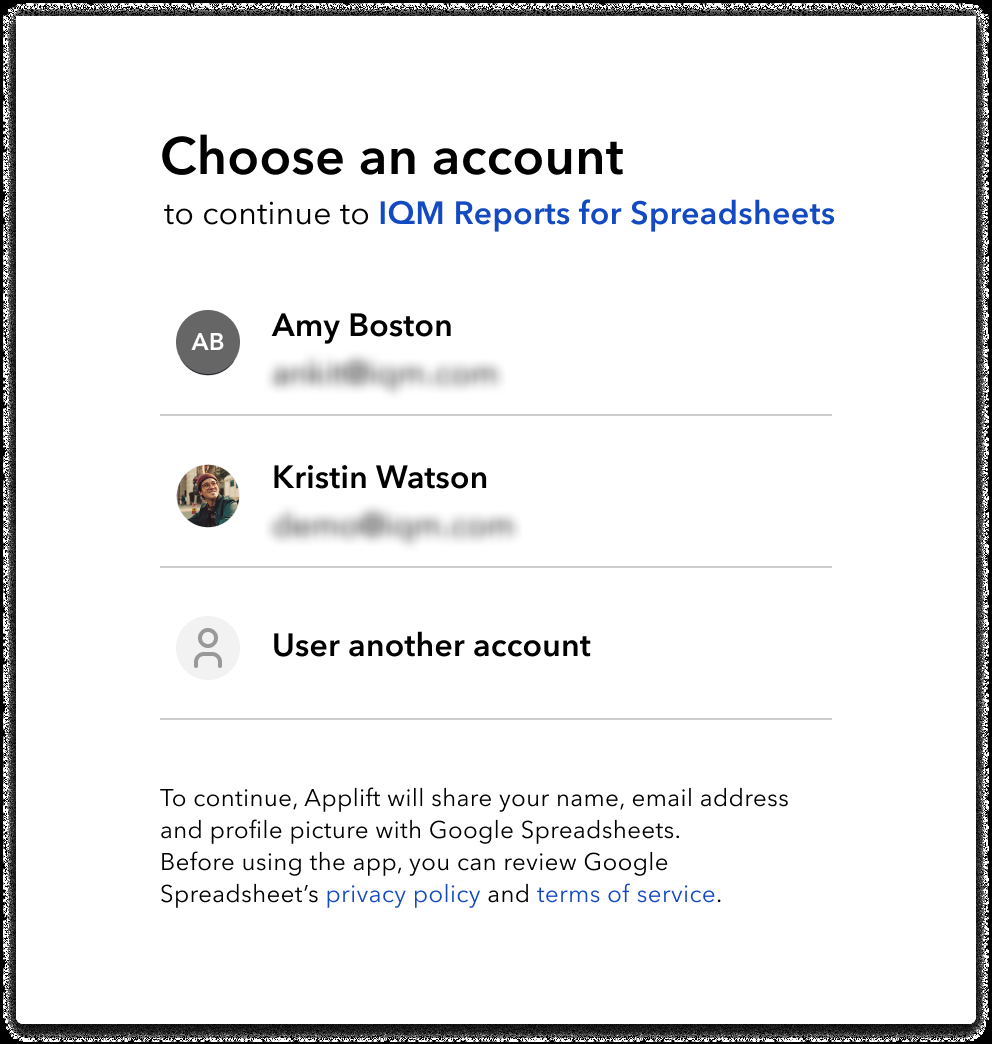
Select your Google account in the "Choose an Account" popup.
Step 3: Grant access
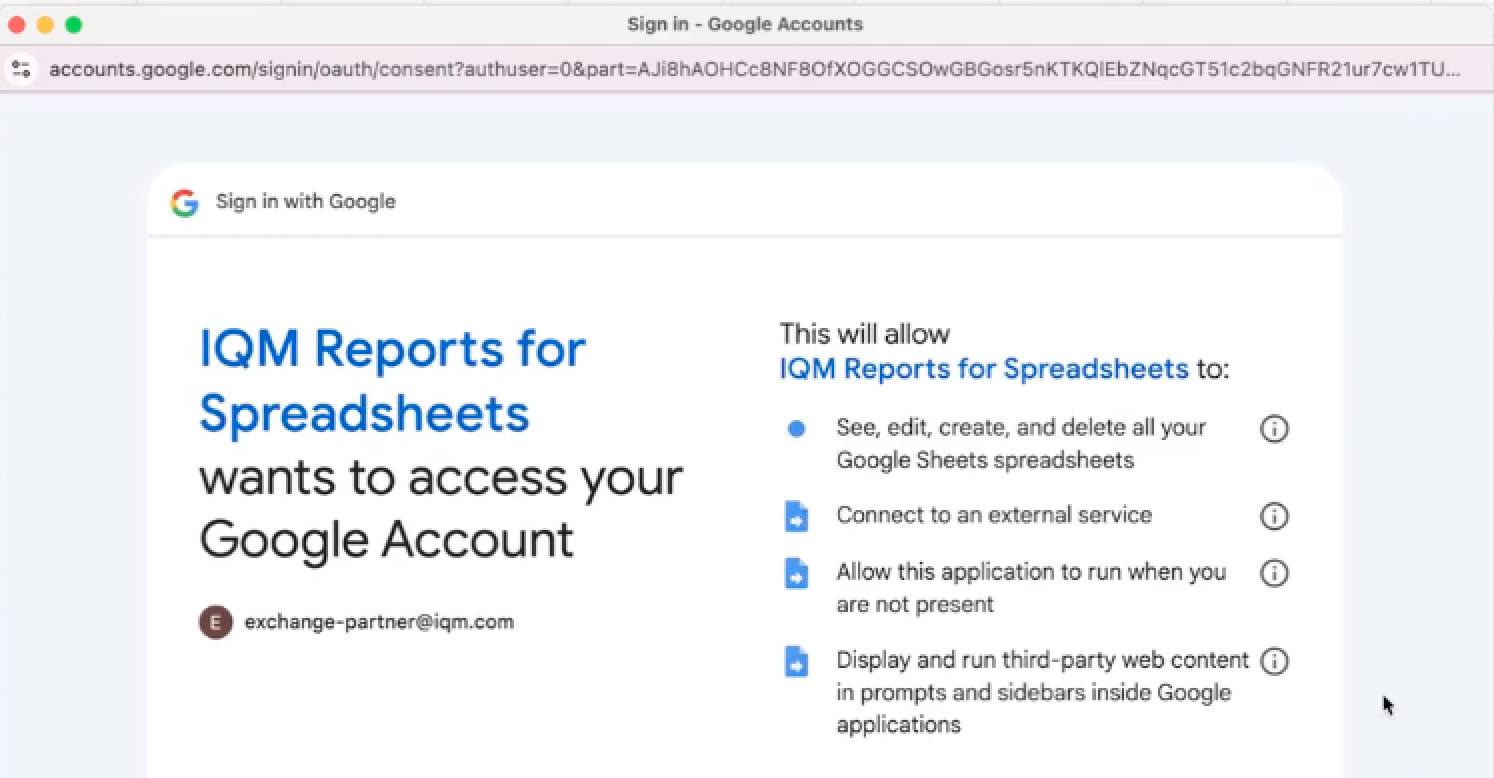
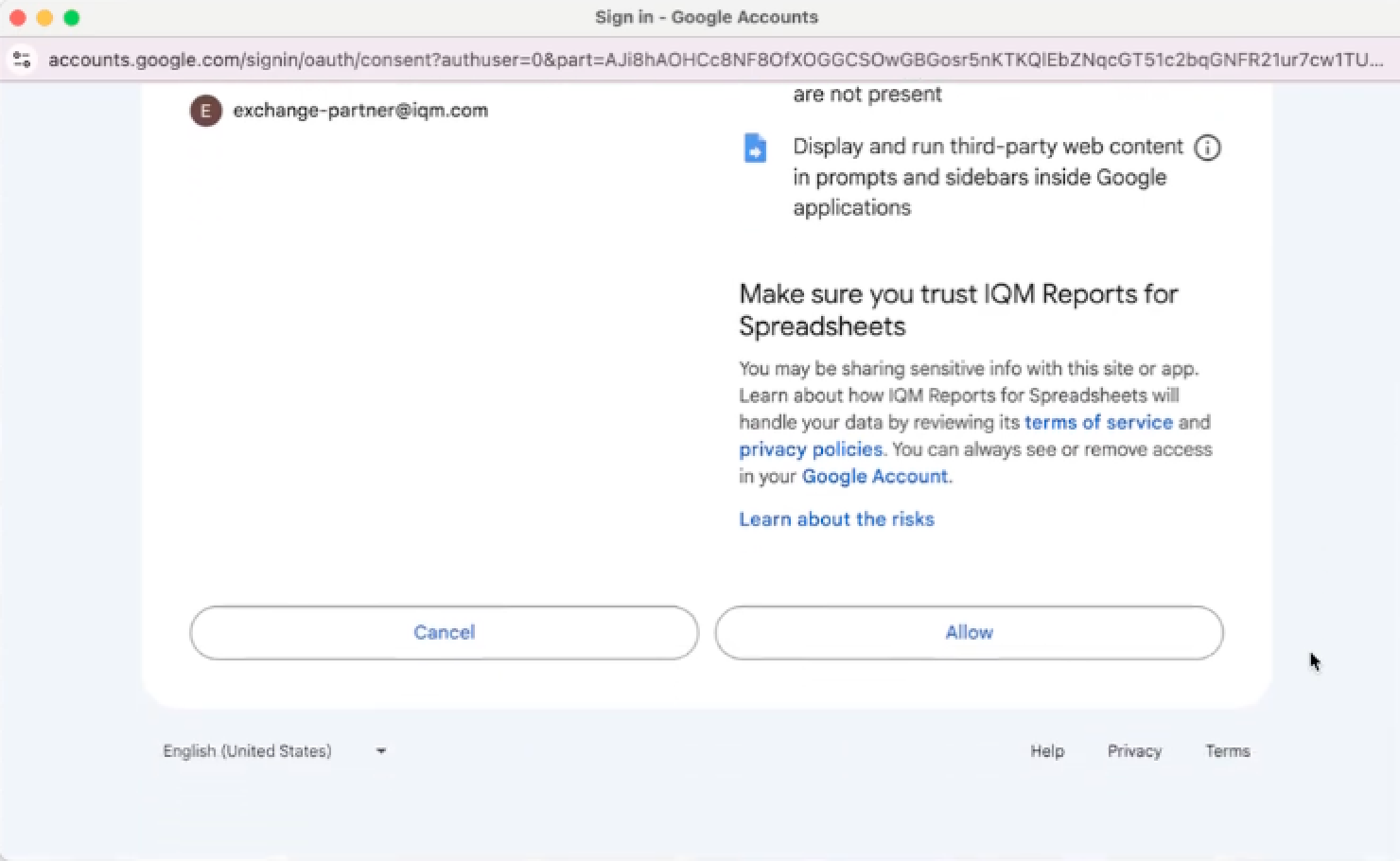
When prompted, click Allow to allow the connector to connect to your Google account.
Generate IQM Reports
Step 1: Launch the integration
- Navigate to Extensions > IQM — Vertical Specific Advertising > Launch
Step 2: Enter your credentials
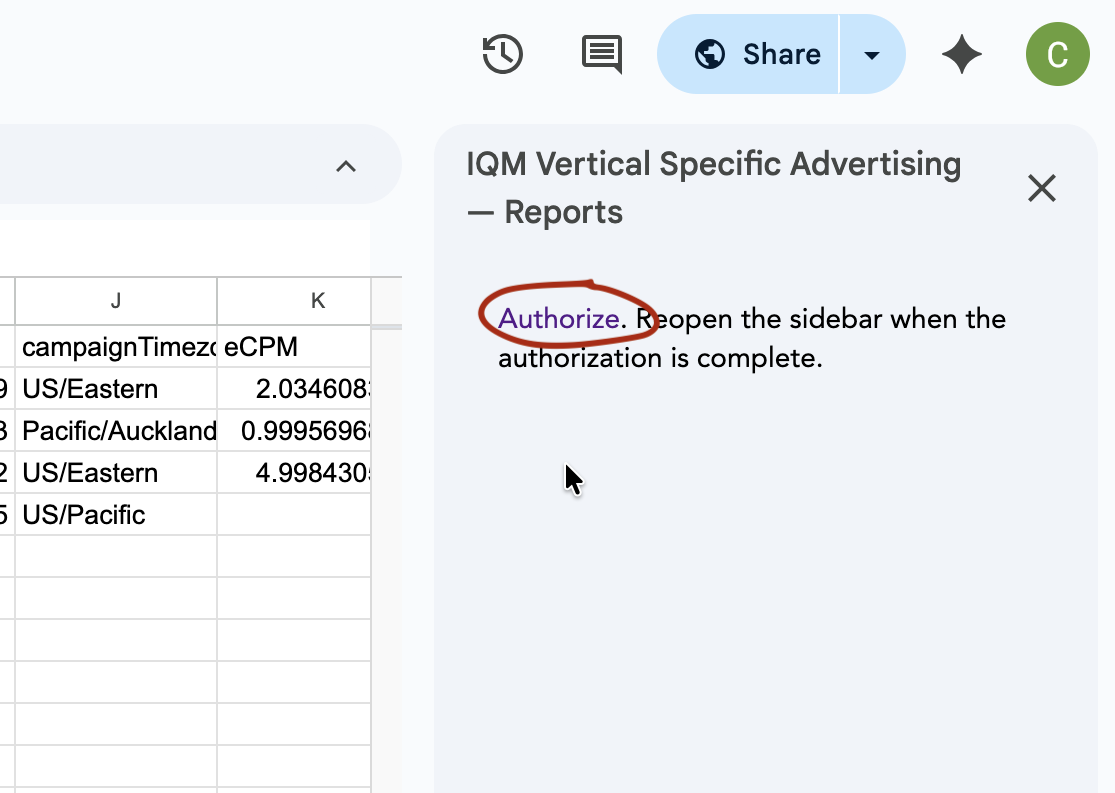
- In the sidebar click Authorize
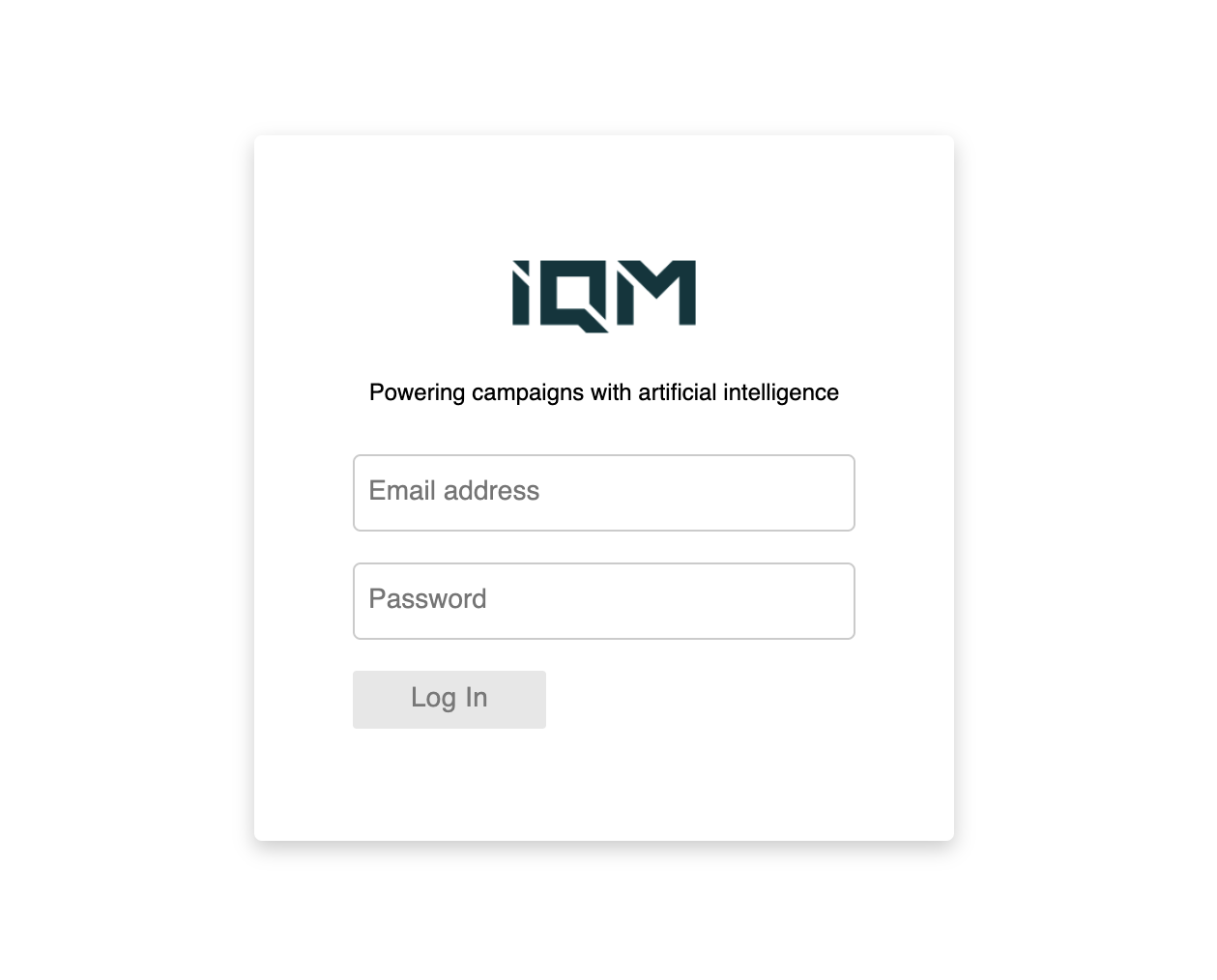
- This will open a new page where you can enter your IQM account credentials (email and password)
- Once entered the screen will display: "The script completed but did not return anything."
- Return to Google sheets
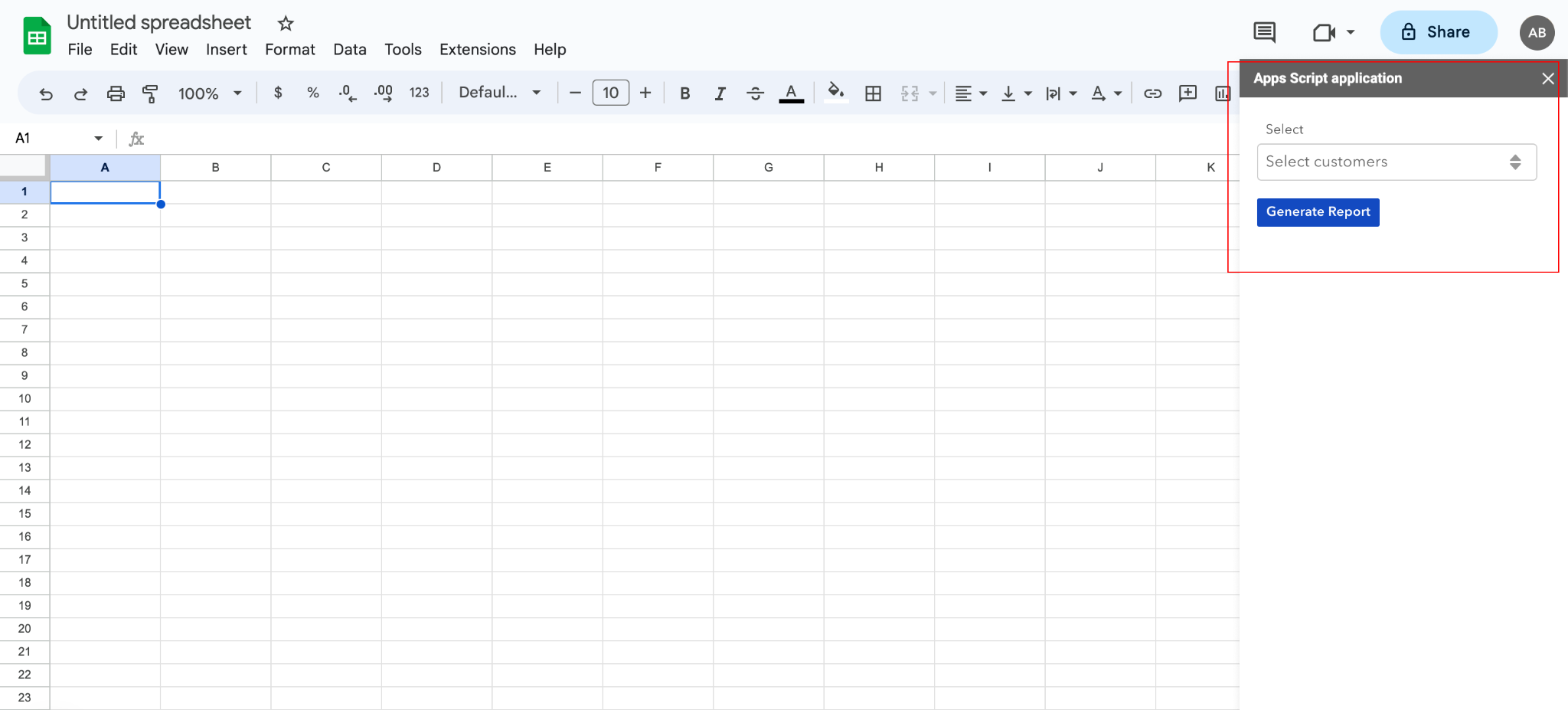
Step 3: Select Customer
Select the Customer for which you want to generate reports.
Step 4: Configure report parameters
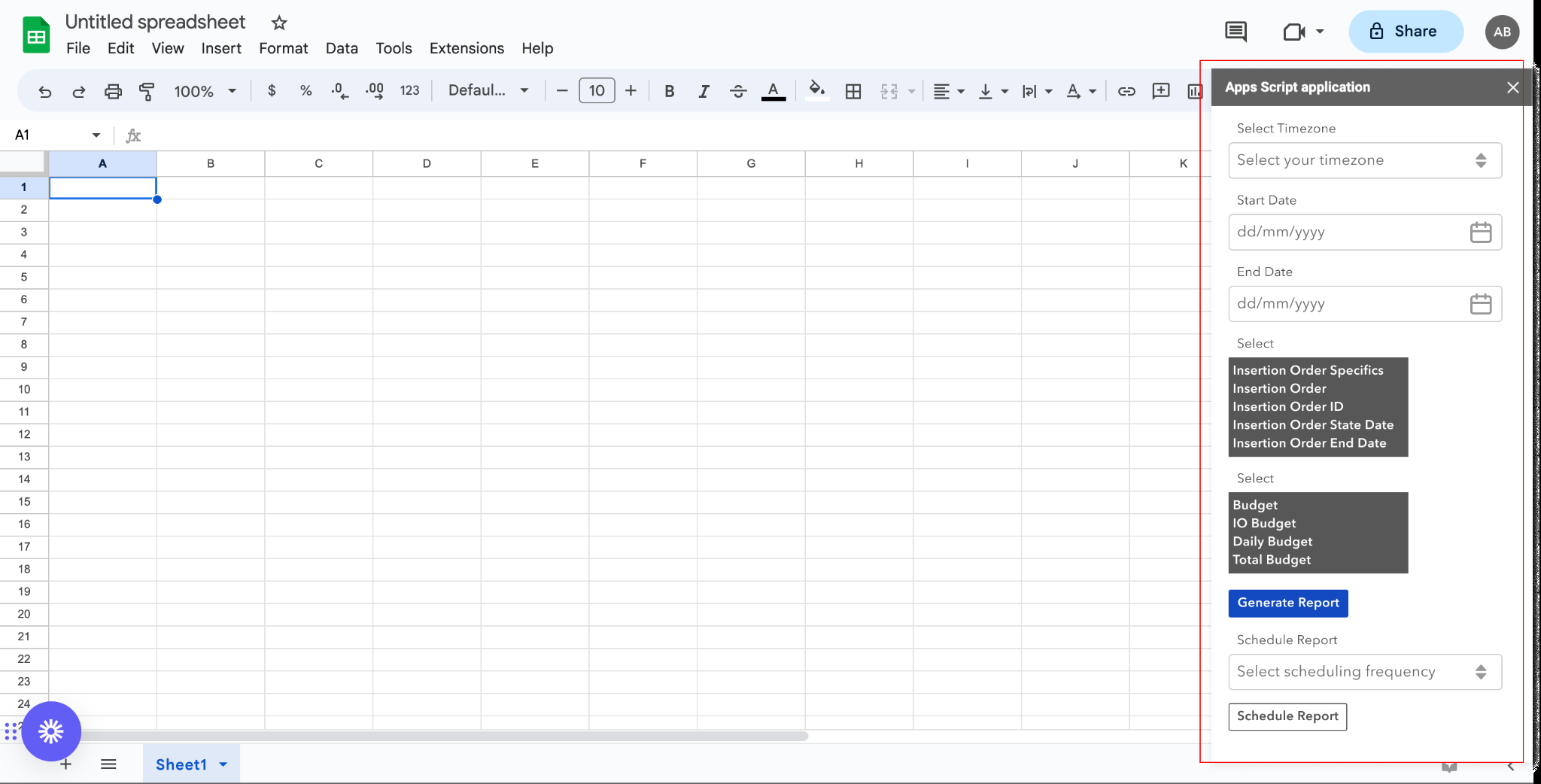
Select your Parameters and then click Generate Report:
- Timezone: The timezone for date interpretation
- Start Date: Beginning of the reporting period
- End Date: End of the reporting period
- Dimensions: How data should be grouped (campaigns, creatives, etc.)
- Metrics: The performance metrics to include (Impressions, Clicks, CTR, etc.)
Key features
- Real-time data sync: Pull live campaign data directly into your spreadsheets
- Custom queries: Filter and select specific metrics and dimensions
- Collaborative analysis: Share insights with team members in real-time
- Flexible reporting: Choose your own dimensions and metrics for custom reports
Additional resources
- IQM Google Workspace Marketplace Listing - Install the add-on
- IQM Partnerships - View all IQM partners
Have a question?
Was this page helpful?